Teenage regular expressions (JS version)
Practicing regular expressions in JS.
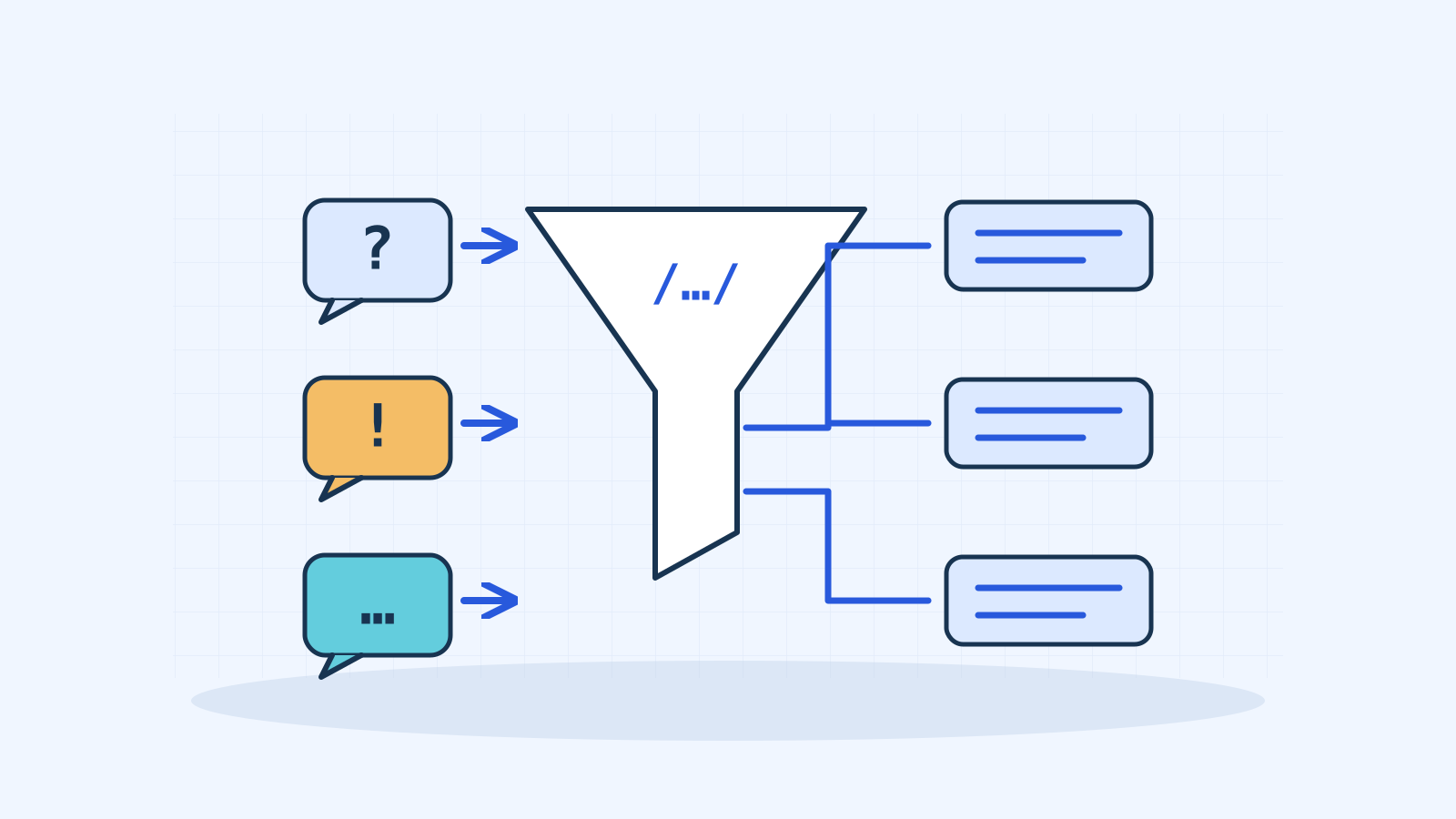
Exercism has many interesting exercises. One particularly attractive way to practice regular expressions is to model a teenager's responses to adults' actions. The responses are:
| Action | Response |
|---|---|
| Asked a question | Sure. |
| Yelled at | Whoa, chill out! |
| Asked a question while being yelled at | Calm down, I know what I'm doing! |
| Looked at without being spoken to | Fine. Be that way! |
| Any other action | Whatever. |
The first task was finding regular expressions to model the different actions.
Let's look at each action:
-
Asking a question:
In English, a question must end with a question mark (?). This regular expression models an English question:
/\?+\s*$/./.../delimit the regular expression.- The first part,
\?+, checks that the sentence contains at least one question mark.
\ |
Before a special character, a backslash treats it as a literal character. Before a regular character, it can give it a special meaning. |
\? |
Matches question marks. |
+ |
Matches the preceding character one or more times. |
- The second part,
\s*$, accepts a sentence ending with zero or more whitespace characters. Any other trailing character is rejected.
\s |
Matches whitespace, including spaces, tabs, form feeds, line feeds and carriage returns. |
* |
Matches the preceding character zero or more times. |
$ |
Matches the end of the input. |
-
Yelling:
All letters must be uppercase. Initially I found this difficult because I tried to use one regular expression. Eventually I used two, which is much simpler.
-
One checks for uppercase letters:
/[A-Z]/.[A-Z]A character set from A through Z. -
Another checks for lowercase letters:
/[a-z]/.[a-z]A character set from a through z. The code to detect yelling is:
if (/[A-Z]/.test(message) && !/[a-z]/.test(message)) { return 'Whoa, chill out!'; }Note: Another way to check whether a sentence contains only uppercase letters is to convert it to uppercase and compare it with the original. If they match, the original was already uppercase. For example:
string === string.toUpperCase().
-
-
Asking a question while yelling:
We can model this action by combining the previous two:
if (/[A-Z]/.test(message) && !/[a-z]/.test(message) && /\?+\s*$/.test(message)) { return 'Calm down, I know what I\'m doing!'; } -
Looking without saying anything:
We can reuse what we learned about whitespace when detecting questions. This expression models a sentence containing only whitespace:
/^\s*$/.^Matches the beginning of the input. \sMatches whitespace, including spaces, tabs, form feeds, line feeds and carriage returns. *Matches the preceding character zero or more times. $Matches the end of the input. -
Any other action:
This would be harder to model with a regular expression, but we do not actually need one. We test the previous actions, and if none matches, return
Whatever..
Initial solution
export const hey = (message) => {
  if (/^\s*$/.test(message)) {
    return 'Fine. Be that way!';
  }

  if (/[A-Z]/.test(message)) {
    if (/^[^a-z]*\?+\s*$/.test(message)) {
      return 'Calm down, I know what I\'m doing!';
    }

    if (/^[^a-z]*$/.test(message)) {
      return 'Whoa, chill out!';
    }
  }

  if (/(\?+)\s*$/.test(message)) {
    return 'Sure.';
  }

  return 'Whatever.';
};
This solves the problem but can be improved, especially for readability. Remember that our code is not only interpreted by a computer: other programmers and our future selves will read it too. If I look at this code again in six months, I probably will not understand much of it, since I do not work with regular expressions very often.
Final solution
export const hey = (message) => {
  if (isYelling(message)) {
    return isAsking(message) ? 'Calm down, I know what I\'m doing!' : 'Whoa, chill out!';
  }

  if (isAsking(message)) {
    return 'Sure.';
  }

  return isNotSayingNothing(message) ? 'Fine. Be that way!' : 'Whatever.';
};

const isNotSayingNothing = message => /^\s*$/.test(message);
const isAsking = message => /\?+\s*$/.test(message);
const isYelling = message => containsUppercase(message) && !containsLowercase(message);
const containsUppercase = message => /[A-Z]/.test(message);
const containsLowercase = message => /[a-z]/.test(message);
Now it is very different. Even if we do not remember exactly how the regular expressions work, the function names give us an idea of what we are trying to model.
The extra mile
So far we are modeling sentences containing English words. What happens when we need to account for non-Latin characters? That is a somewhat complicated problem, especially because JavaScript does not fully support the Unicode standard. I think you will find this article very interesting: What every JavaScript developer should know about Unicode.